
Add proof to your content and let everyone verify what is real.
Certifying a file proves its authenticity and confirms that it has not been changed. With Authenk, you can certify a file, a listing or a photo or video using timestamped proof that anyone can view. Verification is free and open to everyone.
Listings
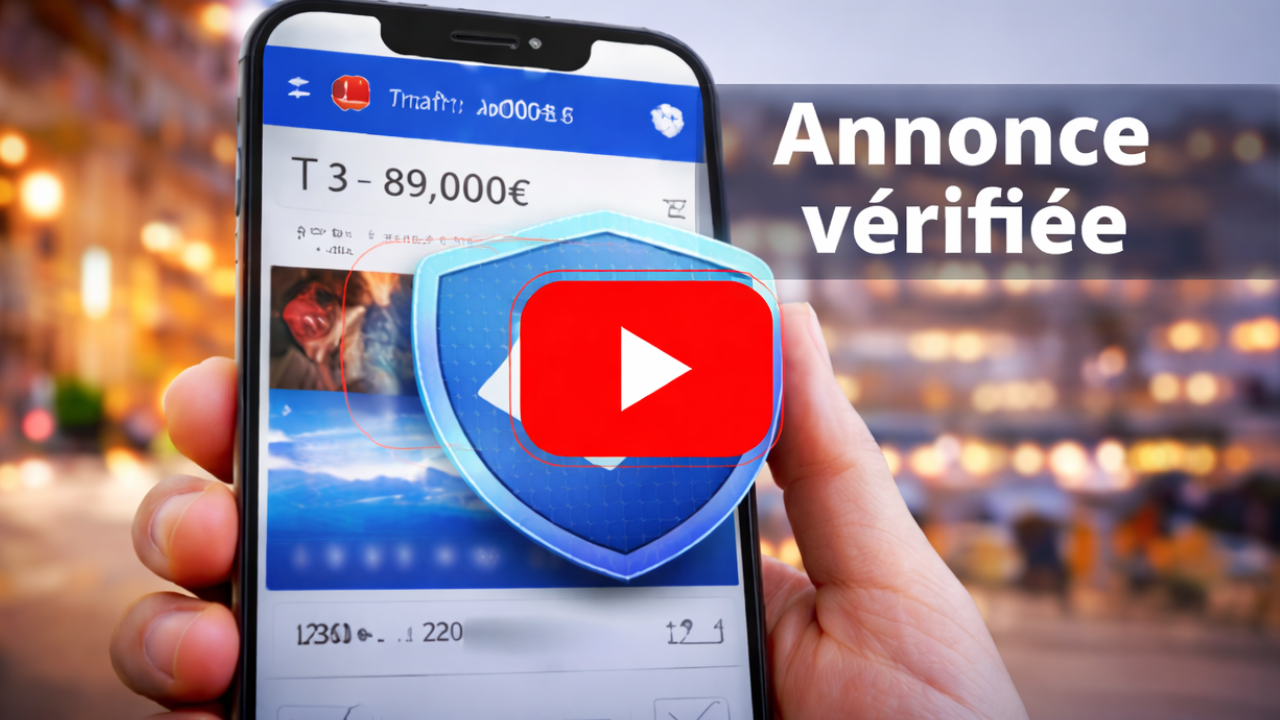
Show that your listing is real
Add visible proof to reassure your customers right away.
Files
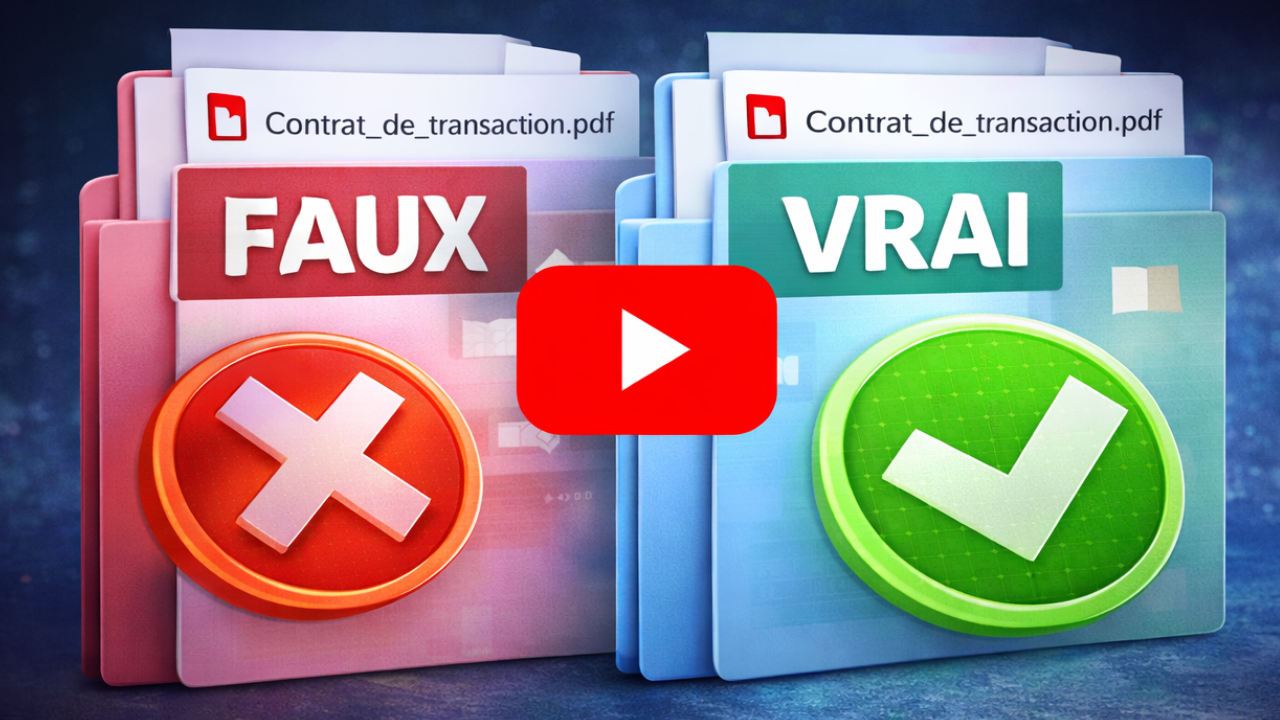
Show that your file has not been changed
Confirm the integrity of your documents in seconds.

No credit card required to start with the Starter plan. Public verification is free.
How does Authenk work?
Share proof easily and verify it with one click. Choose what you want to protect: a listing, file or media.
Add proof. Build trust instantly.
Listings, files or media: make your content verifiable by everyone.
Listings
Add proof to your listing. Display it directly in the listing to build trust immediately.
Files
Certify a file to add reliable proof that your documents have not been changed, and share a proof that is easy to verify.
Media
Add proof to your media. Show that your photos and videos are authentic and let everyone verify them.
Proof of prior existence
Show that a piece of content existed on a specific date with a reliable timestamp.
Integrity
Any change is detected immediately.
Shareable proofs
Share clear, verifiable proof with one click.
Public verification
Verification is free, simple and open to everyone.
By link
One click is enough.
View the proof instantly.
By ID
Enter an ID
View the proof instantly.
By file (documents)
Upload the original file
Automatic verification in seconds.
Mismatch
No match
This content is not authentic or has been changed.
Frequently asked questions
Quick answers to the most common questions.
Why certify a file?
Certifying a file proves its authenticity, confirms it has not been changed, and lets anyone verify it easily.
Do you store my files?
No. Your files are never stored. Only their digital fingerprint (the proof) is recorded so they can be verified.
What do you store for listings and media?
For a listing: the certified text (timestamped proof), and only the content you chose to certify. For media: only the information needed for verification; the file itself is not stored.
What happens if content changes?
If content changes, the proof no longer matches; verification detects it immediately.
Can I share an Authenk proof?
Yes. Share proof easily by link or QR code.
Is verification free?
Yes. Verification is completely free and available to everyone. The number of proofs you can add depends on your plan.
How can this help prevent scams?
Before you pay, ask for proof. Authenk helps you verify what is real and avoid scams.
Need help getting started?
Read the Authenk guide to learn how to certify a listing, file or media.
